April 30, 2026
Laptop Running Slow? 5 Ways to Speed It Up
You click on a folder, and it takes ten seconds to open. You try to type an email, and the letters appear five seconds after you hit the keys. A laptop running slow is not just annoying; it kills your productivity.
At vrSAT, we refurbish thousands of laptops every year. We know that a slow computer doesn’t always mean it’s time for the trash can. Often, it’s just cluttered, hot, or confused.
If you are frustrated by a laptop running slow, don’t rush to buy a new one yet. We have compiled five proven ways to bring your machine back to speed.
Key Takeaways
- Manage Startup Programs: Disable unused apps that automatically launch on boot to instantly free up your processor and memory.
- Free Up Storage Space: Activate Storage Sense to clear temporary files and aim to maintain at least 15% to 20% of your drive empty so your operating system runs smoothly.
- Eliminate Malware: Run a full antivirus scan to remove hidden parasites, such as crypto-miners and spyware, that drain your computer’s power in the background.
- Prevent Overheating: Clean dusty air vents and keep the laptop on a hard surface to stop the processor from intentionally slowing down to prevent heat damage.
- Upgrade Hardware: When software fixes aren’t enough, swapping an old mechanical hard drive for a Solid State Drive (SSD) or upgrading your RAM can make an older laptop feel brand new.
Way 1: Tame Your Startup Apps
This is the number one reason for a laptop running slow immediately after you turn it on. Every program you install wants to run as soon as you boot up. Spotify, Skype, Steam, and Adobe all fight for resources before you even click a mouse.
To fix this on Windows, press Ctrl + Shift + Esc to open Task Manager. Click on the “Startup” tab. Look at the list. If you see programs you don’t use every day, right-click them and select “Disable”.
This stops them from launching automatically, freeing up your processor and memory for the things you actually want to do.
Way 2: Clean Up Your Storage
A full hard drive is a slow hard drive. Operating systems need free space to move files around and manage memory. If your drive is red-lining, you will definitely experience a laptop running slow.
Go to Settings, “System”, and then “Storage”. Turn on “Storage Sense”. This feature automatically deletes temporary files and empties your Recycle Bin.
Go through your “Installed Apps” list and uninstall anything you haven’t used in the last six months. Large games and video files are the usual suspects. Moving them to an external drive can instantly solve a laptop running slow issue.
Way 3: Check for Malware
Viruses and malware don’t just steal data; they use your computer’s power to do it. Crypto-miners, adware, and spyware run heavy processes in the background, leaving you with a laptop running slow.
Run a full scan with Windows Defender or a trusted antivirus program. If you find threats, quarantine and remove them immediately. You might be surprised at how much snappier your system feels once the parasites are gone.
Way 4: Cool It Down
Heat causes throttling. When your processor gets too hot, it intentionally slows down to prevent damage. If your fans are loud and your laptop running slow, thermal throttling is likely the cause.
Check your air vents. Are they covered in dust? Use compressed air to blow them out. Ensure you are using your laptop on a hard surface, not a blanket.
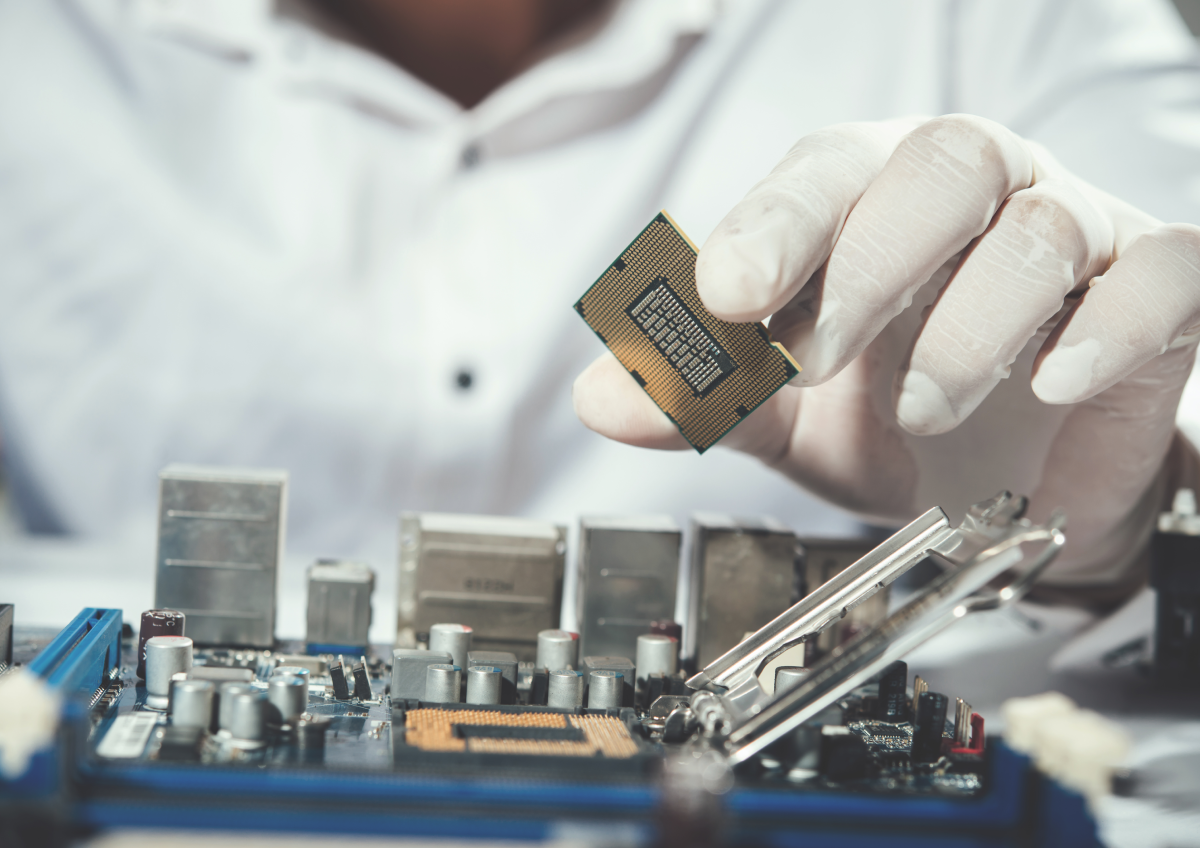
If you are comfortable, you can replace the thermal paste on your CPU. This is a service we perform on every vrSAT refurbished unit to ensure it never suffers from a laptop running slow due to heat.
Way 5: Upgrade Your RAM or SSD
Sometimes, software tweaks aren’t enough. If you are still facing a laptop running slow, your hardware might be the bottleneck.
If you are using a mechanical Hard Disk Drive (HDD), swapping it for a Solid State Drive (SSD) is the single best upgrade you can make. It can make a 5-year-old laptop feel brand new.
Similarly, if you have only 4GB of RAM, upgrading to 8GB or 16GB will stop your laptop running slow when you have multiple browser tabs open.
When It Is Time to Upgrade
If you have tried all these steps and are still dealing with a laptop running slow, it might be time to retire the machine. Processors from 10 years ago simply cannot keep up with the modern web.
At vrSAT, we offer high-performance refurbished laptops that are tested, cleaned, and upgraded. We also help you responsibly dispose of your old, slow devices.
Frequently Asked Questions
1. Why is my new laptop running slow?
New laptops often come with “bloatware”—pre-installed trials and unnecessary apps. Uninstalling these usually fixes the laptop running slow problem. Also, it might be downloading massive Windows updates in the background.
2. Does a factory reset make a laptop faster?
Yes. A factory reset wipes out all the clutter, bad drivers, and malware. It returns your software to day one condition, which is a great fix for a laptop running slow.
3. Will adding more RAM fix a slow laptop?
It helps significantly if you multitask. If your laptop running slow issue happens when you have 20 tabs open, more RAM is the perfect solution.
4. How much free space do I need?
aim to keep at least 15% to 20% of your drive empty. If you have less than 10GB free, you will likely experience a laptop running slow.
5. Is Chrome making my laptop slow?
Chrome is known to be memory-hungry. If you have limited RAM, using Chrome can result in a laptop running slow. Try Edge or Firefox to see if it helps.