January 12, 2026
A Guide to Laptop Processors
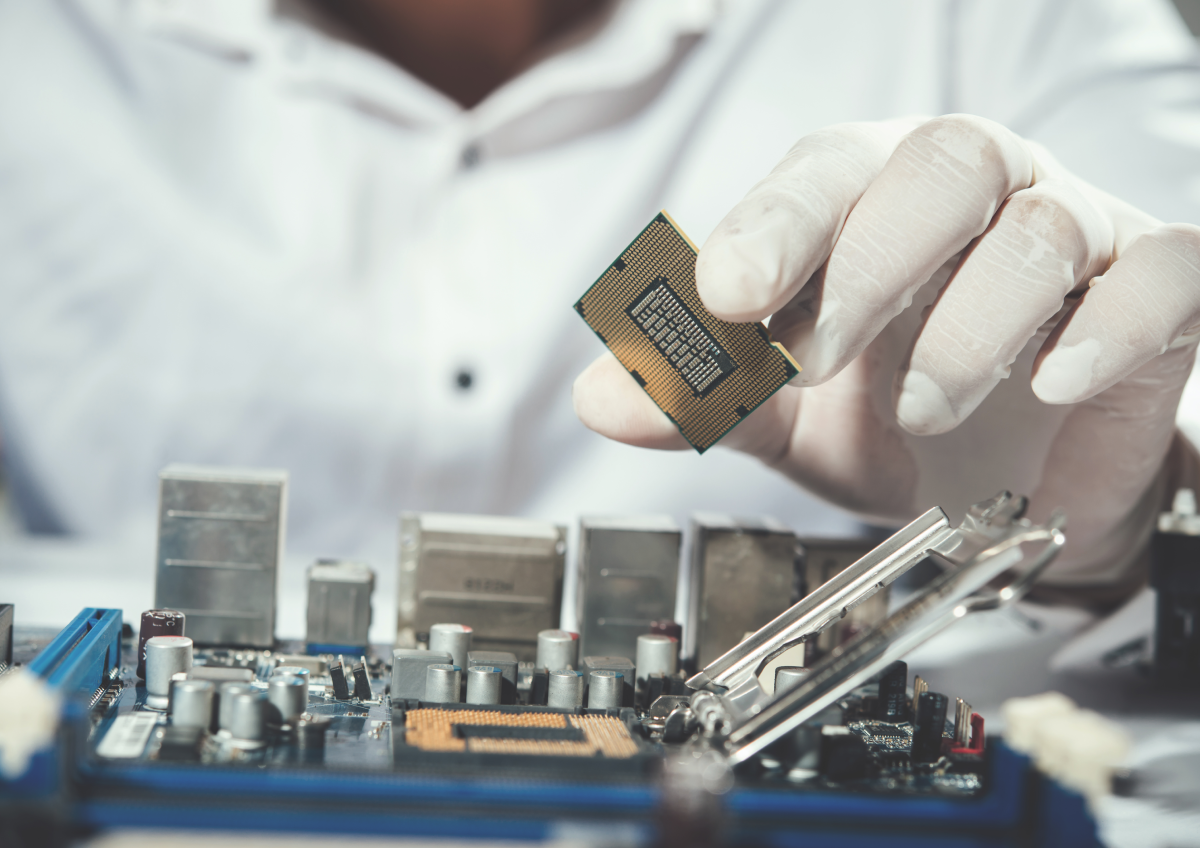
When shopping for a refurbished laptop, the technical jargon can get overwhelming fast. You’ll see numbers like 2.4GHz, labels like i5 vs. i7, or terms like “octa-core.” At the end of the day, a processor is simply the brain of your computer. It handles every click you make, every calculation you run, and every program you open.
At VRSAT, we believe a smart purchase starts with understanding what’s under the hood. Whether you are a student, a business owner, or a creative professional, the right processor ensures your machine stays fast for years.
Here is what you actually need to know.
Key Features to Look For
1. Clock Speed
Measured in Gigahertz (GHz), clock speed tells you how many tasks a processor can handle per second. Think of it as how fast the “brain” can think. While higher speeds generally mean faster performance, it isn’t the only thing that matters—especially if you like to keep dozens of tabs open at once.
2. Core Count
Modern processors are “multi-core,” which means they have several “brains” working together on one chip.
- Dual-Core / Quad-Core: Perfect for basic office work, web browsing, and streaming.
- Hexa-Core / Octa-Core (6 or 8 cores): Essential for heavy spreadsheets, video editing, or running professional software.
3. Thread Count
Threads are like virtual assistants for your cores. The more threads you have, the better your laptop can juggle multiple tasks without lagging. For designers or video editors, a high thread count is a major advantage.
4. Cache Memory
Cache is a tiny, ultra-fast storage area inside the processor. It holds onto data you use frequently so the CPU doesn’t have to “reach” as far to find it. A larger cache makes your laptop feel snappier when you switch between apps.
5. Thermal Design Power
Thermal Design Power (TDP) tells you how much heat a processor generates.
- High TDP: More power, but requires more cooling and uses more battery.
- Low TDP: Found in “U” series processors, these are energy-efficient and offer longer battery life—ideal for people on the move.
AMD vs. Intel: Which Is Right for You?
The “big two” in the tech world offer different strengths. Here is how they compare for everyday users:
AMD: Performance and Value
AMD Ryzen processors have changed the game by offering high-end power at a better price point.
- Best for: Heavy multitasking, coding, and getting the most “bang for your buck.”
- Strength: Excellent at handling many tasks at once (multi-core performance).
Intel: Stability and Speed
Intel is the industry standard. It is known for being reliable and offering high speeds for individual tasks.
- Best for: Gaming, standard business software, and users who want a “tried and tested” platform.
- Strength: Strong performance for single, demanding applications.
The Bottom Line
Choosing a refurbished laptop isn’t about chasing the highest number on a spec sheet, it’s about finding the right balance for your work.
- For office work: A 4-core i5 or Ryzen 5 is a reliable workhorse.
- For power users: Look for more cores and a higher cache to keep your workflow smooth.
At VRSAT, we don’t just sell hardware; we provide solutions. Every refurbished machine we sell is rigorously tested to ensure the processor and cooling systems work at peak efficiency.
Ready to find your perfect match? Browse our range of high-performance refurbished laptops. From Dell ThinkPads to HP EliteBooks, we have the right “brain” for your business needs.
Contact VRSAT today to discuss your tech requirements and see how our sustainable solutions can help you succeed!