May 22, 2025
Extend Laptop Life with Essential Cooling Tips (New or Refurbished)
Laptop overheating is more than uncomfortable; it reduces performance, causes unexpected shutdowns, and can damage internal parts over time, shortening the machine’s productive lifespan. Maintaining stability requires keeping your laptop cool, which is crucial for ensuring reliability.
Fortunately, preventing overheating often involves simple habits and basic maintenance applicable to all laptops, whether brand-new or reliably refurbished. Implementing these practices helps ensure you gain the most value and performance from your machine.
Let’s explore essential tips to keep your laptop running cool during everyday use.
1. Improve Ventilation Through Smart Placement
- Use Hard Flat Surfaces: Avoid placing your laptop on beds, sofas, carpets, or your lap for long periods. Soft surfaces block air vents and trap heat. Always choose a desk, table, or another firm surface.
- Elevate for Better Airflow: Lifting your laptop slightly can greatly improve airflow underneath. Laptop stands work well, but even placing a stable object like a book under the back edge (while keeping vents clear) can provide temporary help.
- Keep Vents Unobstructed: Know where your laptop’s intake and exhaust vents are (often sides, back, or bottom). Make sure papers, walls, or other objects do not block them.
- Avoid External Heat Sources: Do not use your laptop in direct sunlight for extended periods or near radiators and other heat sources. A cooler room helps the laptop’s internal cooling system function effectively.
2. Adopt Smart Usage Habits
- Manage Intensive Tasks: If your laptop feels hot, use Task Manager (Ctrl+Shift+Esc on Windows, Activity Monitor on Mac) to see which applications use the most CPU or GPU resources. Close unnecessary background programs, especially demanding ones like video editors or numerous browser tabs.
- Optimize Power Settings: Unless you need full power, select a ‘Balanced’ or ‘Power Saver’ plan in your operating system’s settings. This choice lowers power use and heat from components during lighter tasks like browsing or writing.
- Take Breaks: During long work or streaming sessions, allow your laptop (and yourself) short breaks to help prevent excessive heat buildup.
3. Perform Essential Maintenance and Care
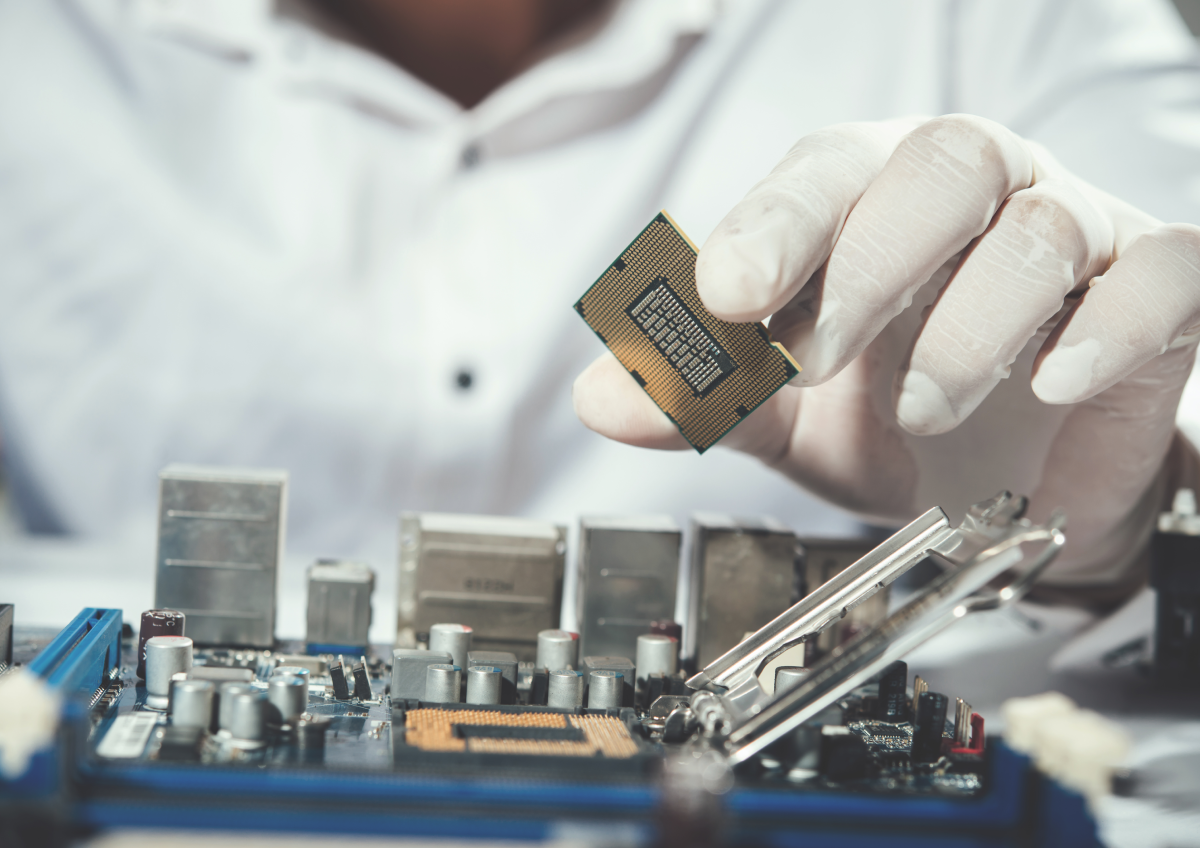
- Clean Vents and Fans Regularly: Dust hinders laptop cooling. It builds up in vents and on fan blades, trapping heat and blocking airflow. Gently clean vents with compressed air. Use short bursts, hold the can upright, and try to prevent fans from spinning too freely. This maintenance is vital for any laptop, new or refurbished, to perform well. If you are hesitant to open the laptop, a professional cleaning is a good investment.
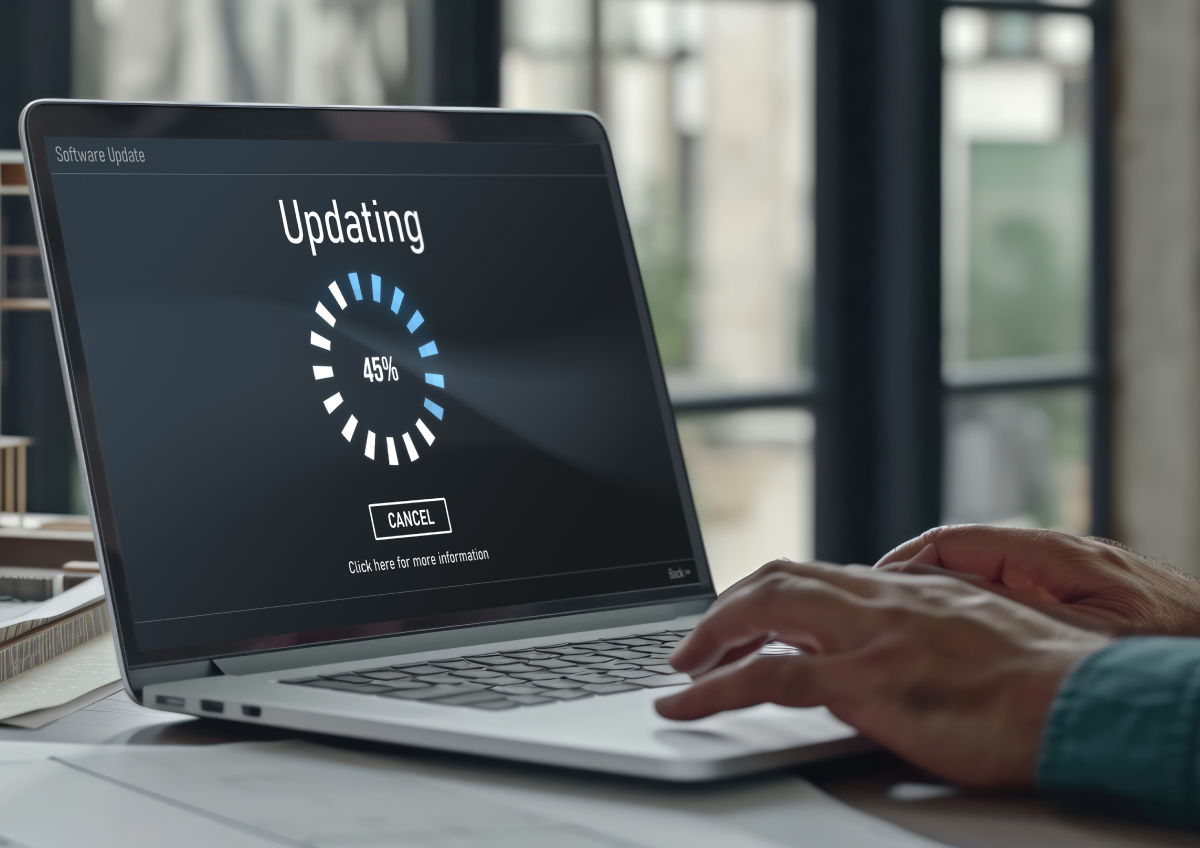
- Keep Software Updated: Update your operating system, drivers (especially graphics drivers), and system BIOS/UEFI regularly. Manufacturers often release updates with performance improvements and better thermal controls. Current software helps your hardware run efficiently.
- (For Refurbished Laptops)When using a refurbished laptop, listen for unusual fan noise or check for airflow from vents during initial operation. Good refurbishers test these parts, but regular user maintenance is still important.
4. Consider Helpful Cooling Accessories
- Laptop Cooling Pads: Place these accessories under your laptop. They use fans (active cooling) or heat-spreading materials (passive cooling) to increase airflow or pull heat from the laptop body. They can be very useful during long sessions or if your laptop tends to run warm.
- Laptop Stands (Passive Cooling): While elevating the laptop helps (as mentioned in Tip 2), dedicated stands function as effective passive cooling accessories. By lifting the laptop and often being made of heat-conductive materials like aluminum, they allow significantly more air to circulate underneath, dissipating heat without extra power or noise.
Keep Laptops Cool for Longer Life
Keeping your laptop cool is not difficult. By using these simple environmental, usage, and maintenance steps, you can greatly reduce overheating. This leads to smoother performance and better stability. It also extends the lifespan of your valuable IT asset, whether it is new or a well-chosen refurbished model. Consistent care helps maximize the value and longevity of your technology.
Why VRSAT is your Reliable IT Partner
Refurbished laptops are a smart, sustainable choice. With proper care, including following the cooling tips above, they offer excellent performance and value, often rivaling new devices.
At VRSAT Solutions Pvt Ltd, we believe in maximizing that value. We refurbish every laptop with precision, rigorously testing components, ensuring effective cooling systems, and contributing to e-waste reduction. Beyond providing top-notch refurbished laptops, our services include comprehensive IT asset disposition, professional data sanitization, and flexible customization to meet your specific business needs.
With competitive pricing, excellent warranty options, and our commitment to sustainability, VRSAT guarantees a seamless and secure experience. Choose VRSAT with confidence and focus on your goals. Follow these cooling tips to keep your tech dependable, and explore our range of high-quality refurbished laptops at https://vrsat.in. Let VRSAT help you stay cool and productive!